Skip to content
FAQ
❓ Frequently Asked Questions (FAQ)
Getting Started & The App
- Q: How does Fridge Friend work?
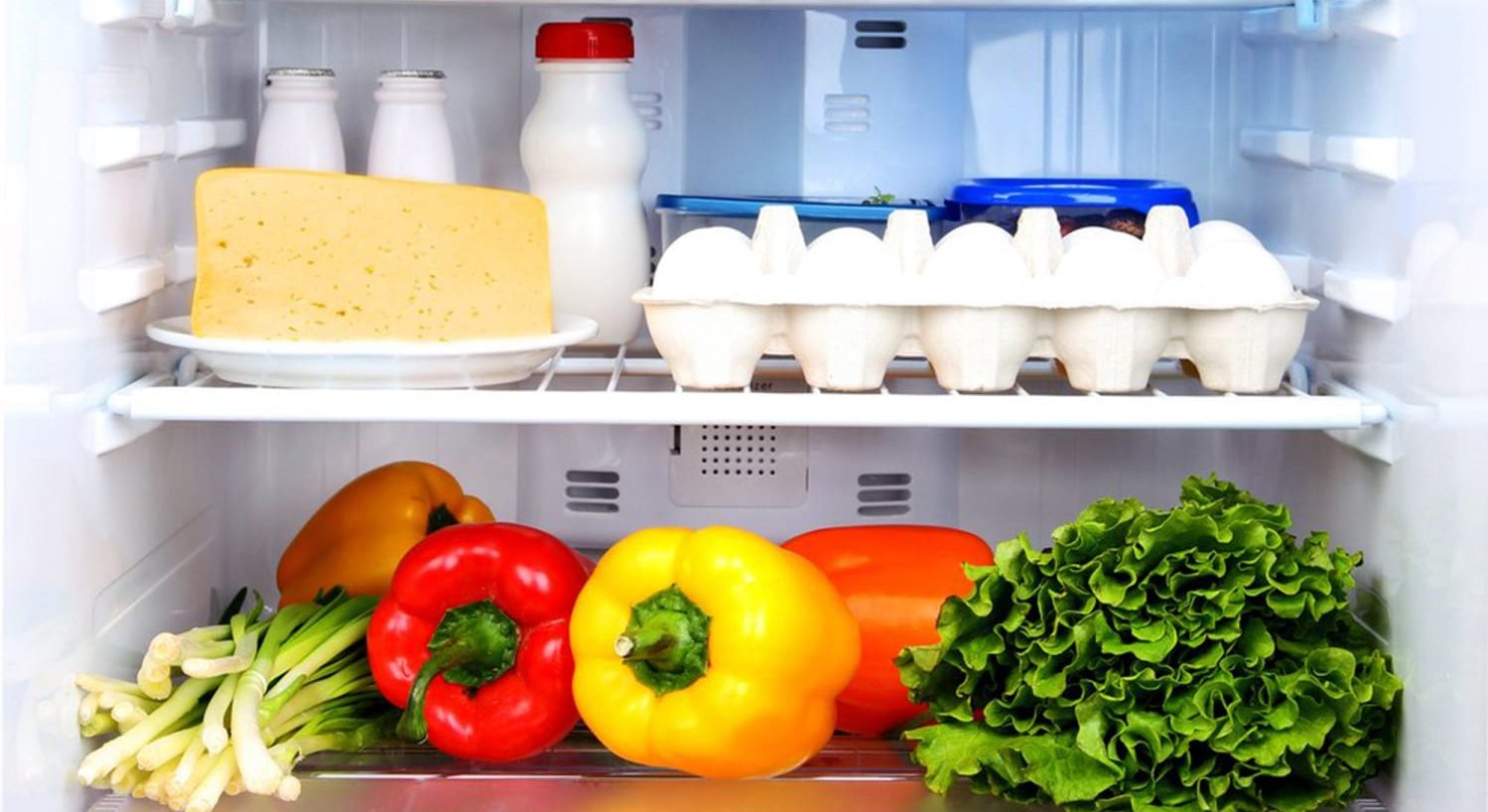
- A: It’s simple! You take a single photo of the inside of your open refrigerator. Our AI scans the image, identifies the ingredients, and instantly generates a list of relevant recipes based on what you have.
- Q: What kind of phone do I need to use the app?
- A: Fridge Friend is compatible with any modern iOS or Android smartphone with a working camera and an internet connection. Good lighting helps the AI recognize ingredients better!
- Q: How accurate is the ingredient recognition?
- A: Our machine learning model is trained on a vast library of ingredients and has a high accuracy rate. If it misses something, you always have the option to manually add or correct ingredients before viewing recipes.
Privacy & Data
- Q: Do you save the pictures I take of my fridge?
- A: No. We only save the list of detected ingredients necessary to generate recipes. The photo itself is deleted immediately after the AI processes it, ensuring your privacy.
- Q: Is my personal recipe history saved?
- A: Yes, if you create an account, we save your favorite recipes and past search history to improve future recommendations. This data is kept secure and is never shared.
Recipes & Cooking
- Q: Can I filter recipes for dietary restrictions (e.g., vegan, gluten-free)?
- A: Absolutely. Before you search, you can set filters for common restrictions like Vegan, Vegetarian, Keto, Paleo, Dairy-Free, and Gluten-Free to ensure you only receive usable recipes.
- Q: What if I’m missing one or two ingredients for a recipe?
- A: Fridge Friend flags recipes where you are missing minimal items. For convenience, you can add these missing items directly to a printable or digital Shopping List right from the recipe view.
- Q: Where do the recipes come from?
- A: Our recipe database is curated from a collection of verified, highly-rated culinary sources, and is continually updated to pro